
POS system with MailerLite integration for jewellers
From a sale in the shop to automated customer communication. With the integration between PrismaNote and MailerLite, customer data from your POS system feeds your email marketing automatically — so you can not only send communication, but keep automating it further.
Welcome a new customer. Remember a birthday. Reach out again after a purchase. Or simply send a regular newsletter to your customer base.
PrismaNote supplies the up-to-date customer data. MailerLite helps you attach the right communication to it automatically.
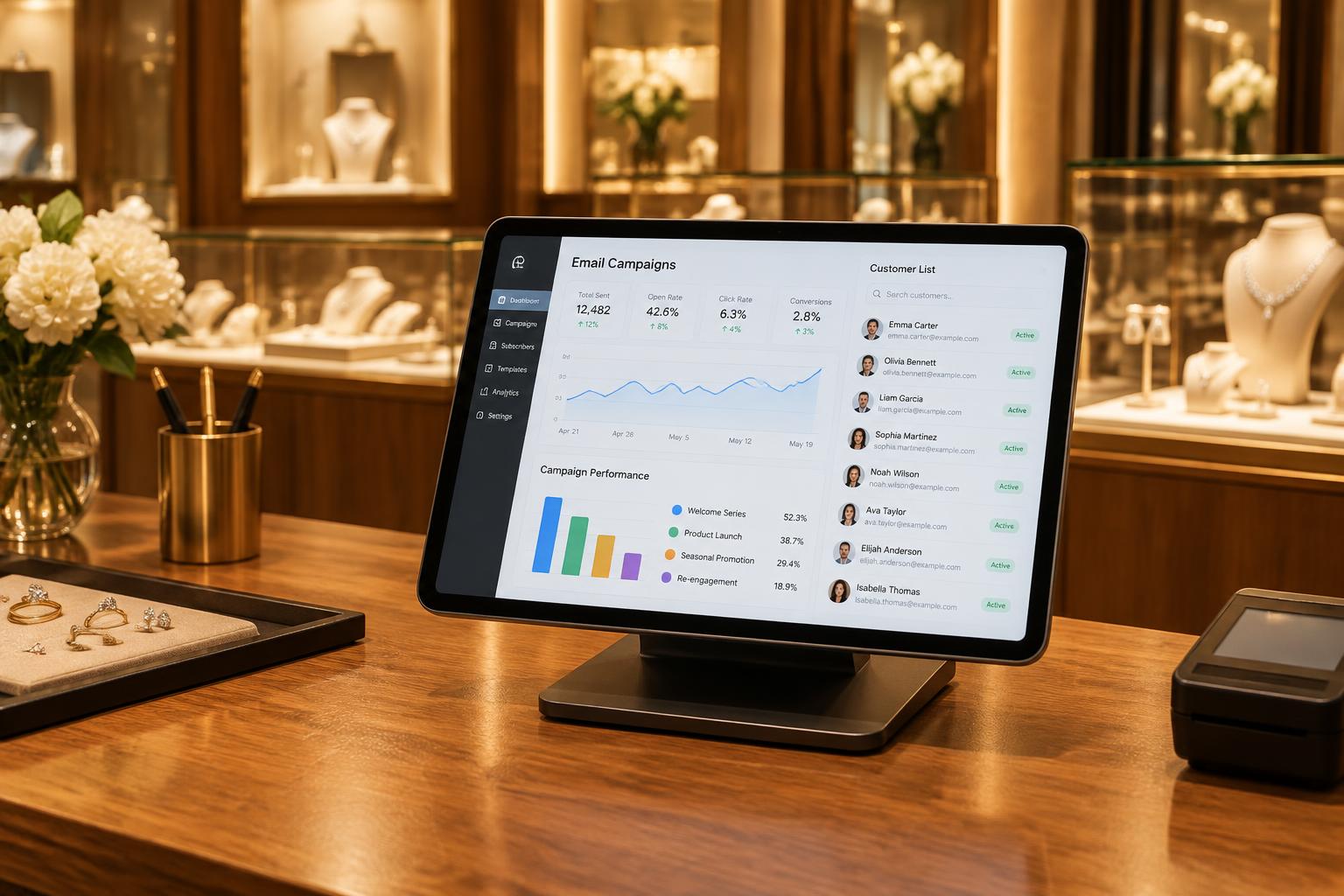
MailerLite for the modern jeweller
MailerLite gives jewellers an approachable way to organise and automate customer communication. Alongside newsletters you can work with audiences, sign-up forms and automated email flows.
Email marketing no longer has to mean repeating the same manual steps. You can build a flow in which a customer first receives a welcome email and a follow-up later on, or have customers receive a personal message around their birthday.
MailerLite remains just as suitable for regular communication, such as:
- newsletters
- new collections
- shop news
- event invitations
- promotions and offers
- personal customer communication
By connecting MailerLite to PrismaNote, the data behind that communication comes straight from your jewellery shop.

PrismaNote as the source of your customer data
Your POS system is where new customer information is created every day. When a new customer is registered, an email address changes or someone unsubscribes from the newsletter, PrismaNote keeps track of it.
Through the MailerLite integration, that information can be synchronised automatically.
So you no longer export your customer base from PrismaNote, edit files and import them into MailerLite again. Your POS system stays the central place for your customer data, and MailerLite uses that data for your communication and automations.
Choose how far you want to go with MailerLite
PrismaNote offers two ways to connect MailerLite to your POS system. Start with a simple synchronisation of customer data, or make transaction data available for your marketing as well. You will find the current prices of the integration on the implementation page with integration prices, or contact us for a personalised quote.
Customer data
The basic integration synchronises your customer data with MailerLite every day. Data that can be passed on includes:
- Salutation
- First name
- Last name
- Email address
- Mobile number
- Landline number
- Customer number
- Gender
- Date of birth
- Billing address
- Delivery address
- Newsletter subscription
- Company name
- Notes
This data forms the basis for your newsletters, audiences and automated customer communication.
Customer data & transactions
Would you like to base your communication on purchases too? Then you can synchronise transaction data from PrismaNote alongside the customer data. Data that can be made available includes:
- Transaction number
- Receipt number
- Transaction type
- Location
- Transaction total
- Payment method
- Discount
- Margin
- Number of products
- Product image
- Product name
- Item group
- Product category
- Product type
- Brand
- Short description
- Long description
- Label description
- Outstanding loyalty points
This data is refreshed every twelve hours. So you see not only who your customer is, but can also take purchase history into account when setting up your communication.
Automate communication based on customer data
The biggest benefit of connecting your POS system to MailerLite is that you can set communication up in advance. Once configured, certain emails are sent automatically as soon as a customer meets the conditions you defined.
A new customer? Start the relationship well.
A new customer does not have to disappear from view once the sale is finished. You can set up an automatic follow-up that welcomes the customer and keeps your shop top of mind.
Never miss a birthday
Using the date of birth from PrismaNote you can automate birthday communication, so your team no longer has to check manually who has a birthday coming up.
A new newsletter sign-up?
When a customer subscribes to your newsletter, a welcome flow can start automatically. The customer first receives a welcome email and can then be taken along in your regular communication.
Relevant communication for different customer groups
Not every customer needs the same information. You can use separate audiences for customers interested in particular brands, product categories or types of purchase, so your communication fits the customer better.
And after the purchase too
A sale is not always the end of the relationship. With transaction data you can keep communicating after a purchase: a follow-up email, care and maintenance information, or news about a collection that matches an earlier purchase. What is possible depends on how you set up your MailerLite automations.
Less manual work
Email marketing becomes far more attractive when it does not create extra admin every single time.

Less manual work for the jeweller
Email marketing becomes more appealing when it does not add admin each time. Without an integration, customer data has to be moved from the POS system to your email marketing platform regularly — exporting, checking, importing and updating.
With PrismaNote and MailerLite that process can run automatically. Which means:
- no manual exports of customer lists
- no re-entering of customer data
- less separate marketing admin
- up-to-date customer data as the basis for your communication
- more room for automated customer flows
Your team spends less time maintaining marketing lists and more time on the shop and the customer.
PrismaNote + MailerLite in practice
The strength of the integration lies in the simple flow of data between your shop and your marketing.
- 1A customer buys in your shop
- 2The sale is recorded in PrismaNote
- 3Customer data — and optionally transaction data — is synchronised
- 4The data becomes available in MailerLite
- 5Your campaign or automation takes care of the right message
That way something happening in your physical shop can lead to a digital moment of contact with your customer. The till records what happens; MailerLite lets you build on it later.
New to MailerLite? Get to know MailerLite and combine the platform with the customer data from your PrismaNote till.
A POS system that works with MailerLite
A POS system has long stopped being just the place where you settle a sale. It is also where important information about your customers, products and sales is collected. When your POS system works together with MailerLite, you can use that information for customer communication as well.
PrismaNote connects your sales, customer data and marketing — without you having to compile a customer list again for every newsletter or automation.
POS system with MailerLite integration
Looking for a POS system with a MailerLite integration? With PrismaNote you connect your jewellery shop to MailerLite and synchronise customer data automatically. Choose a straightforward customer data connection, or use transaction data to automate your communication further. Discover how PrismaNote works for your shop.
Frequently asked questions about the MailerLite integration
How do I connect MailerLite to my POS system?+
With PrismaNote there is nothing to export or import by hand. We set the integration up for you: new and existing customer records are then synchronised automatically from your POS system to MailerLite. Your POS system stays the central place for your customer data.
Which data is synchronised with MailerLite?+
You can choose between two integration options. The basic integration synchronises customer data such as salutation, name, email address, phone numbers, date of birth, addresses and newsletter subscription — updated daily. The extended integration also synchronises transaction and product data such as transaction total, payment method, brand, item group and product category — updated every twelve hours.
What does the PrismaNote MailerLite integration cost?+
The marketing integration is available from €10 per month. See the current prices on our implementation page, or contact us for a personalised quote. View the marketing integration prices.
Can I automate customer communication with MailerLite?+
Yes. Once it is set up, emails can be sent automatically as soon as a customer meets certain conditions — a welcome flow for new newsletter sign-ups, automatic birthday emails based on the date of birth, or follow-up after a purchase.
Do I need technical knowledge to use the integration?+
No. The synchronisation runs fully automatically. You no longer export, check and re-import customer lists, so your team can focus on advising customers, selling and building relationships.
Does the integration work with marketing tools other than MailerLite?+
Yes. PrismaNote integrates with more than 150 marketing systems, including Mailchimp and Brevo. For jewellers, MailerLite is an approachable way to combine newsletters, audiences and automated email flows.
Works well with the rest of PrismaNote
Many jewellers also use the email marketing integration for jewellers, POS system with Mailchimp integration and POS system for jewellers modules.
Your customer data in MailerLite, automatically.
No obligations, no sales pitch. We show you how PrismaNote syncs customer and transaction data with MailerLite and automates your customer communication. Or receive a personalized quote directly in your inbox. Fully transparent.